Shopping mall footfall counting: a guide for stores
Mall footfall counting for stores: count visitors entering your store, see peak hours, compare malls and measure visit rate from corridor traffic.
When people hear “shopping mall footfall counting”, most think of the counters at the mall’s main entrances. For a store, though, the number that matters is not how many people enter the mall but how many come through your door. The short answer: with a people counter at your store entrance in the mall, you can measure hourly entries, peak hours and (with sales integration) conversion rate; if you also count the corridor traffic in front of your window, you can see your visit rate.
Why mall counts and store counts differ
The footfall figures shared by mall management show the total number of people entering the building. They do not tell you how many of those people reached your floor, walked down your corridor or came into your store. In the same mall, one store may benefit from the weekend crowd while another does not. Counting at the store door shows your own performance, independent of the mall-wide trend.
Mall data is still useful: putting the building’s overall traffic next to your own entries lets you track, period by period, how much of the mall’s footfall you capture. The key is not to use one in place of the other.
Which metrics should a mall store track?
- Entries: visitors coming into your store; the basis of every other rate.
- Hourly entries and peak hours: for staff and till planning.
- Passers-by: potential visitors in the corridor (with Sayiyo PASS).
- Visit rate: what share of corridor passers-by come in.
- Conversion rate: what share of visitors buy (with sales integration).
- Year-on-year comparison: to separate the mall’s seasonal rhythm from real change.
Counting entries at the store door
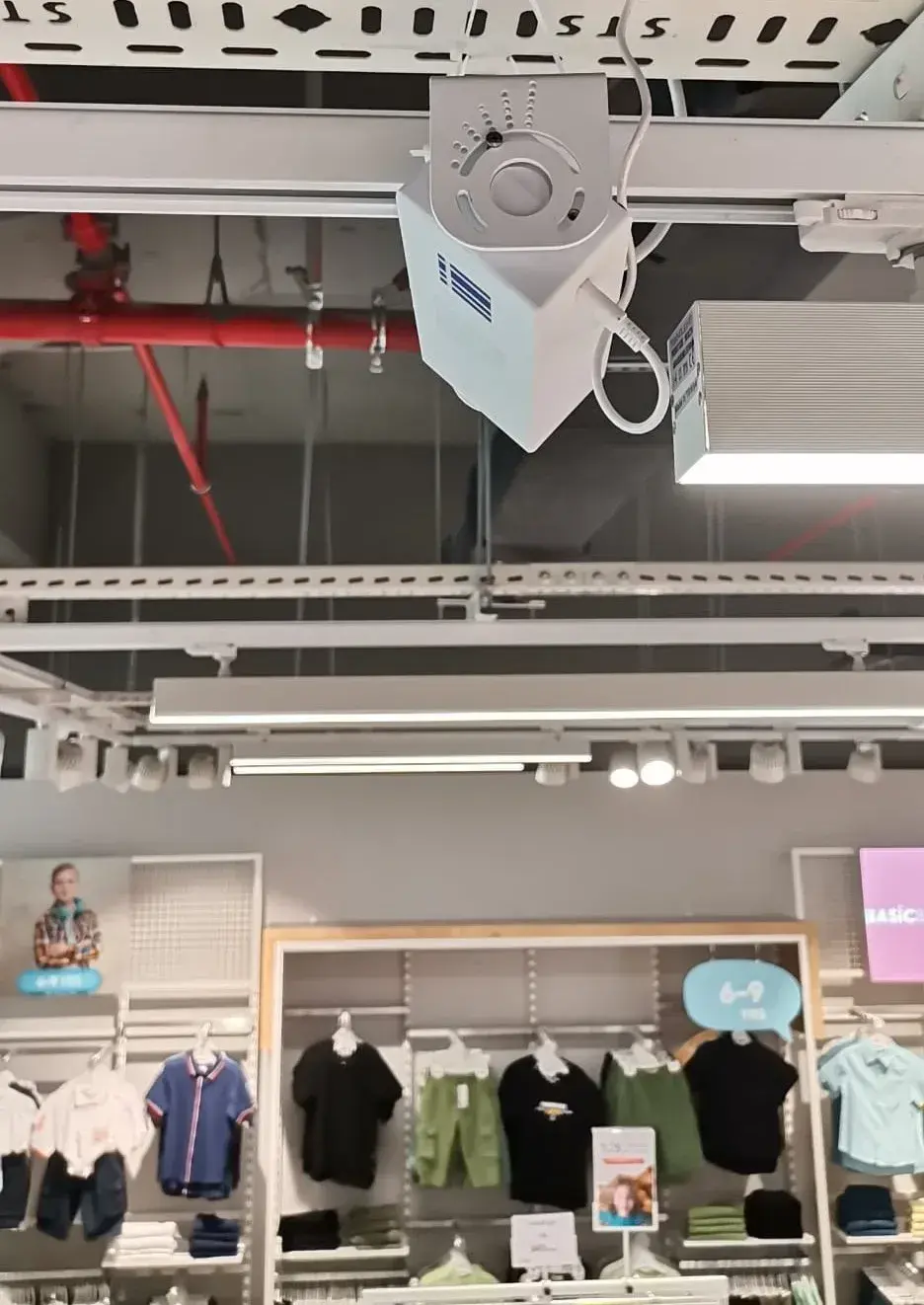
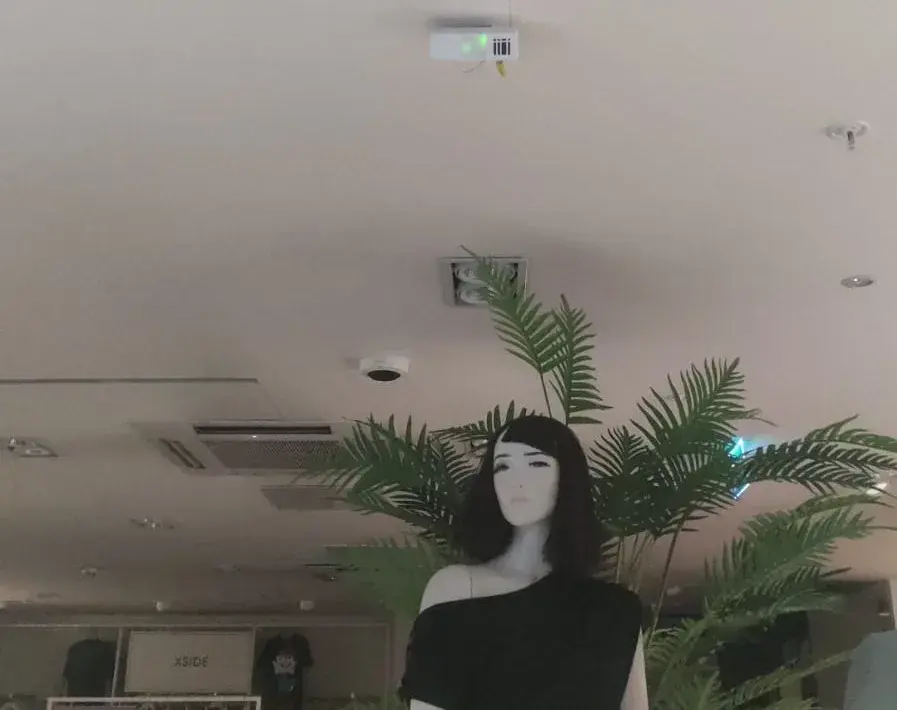
The Sayiyo PEOPLE people counter is an AI camera mounted inside the store, directly above the door. It counts entries only; images are processed on the device, nothing is recorded and nobody is identified. For the wide, open frontages common in malls, keep these points in mind:
- A single device covers doors up to 6 m wide; wider frontages get a second device.
- If the store opens onto two separate corridors, each entrance needs its own device.
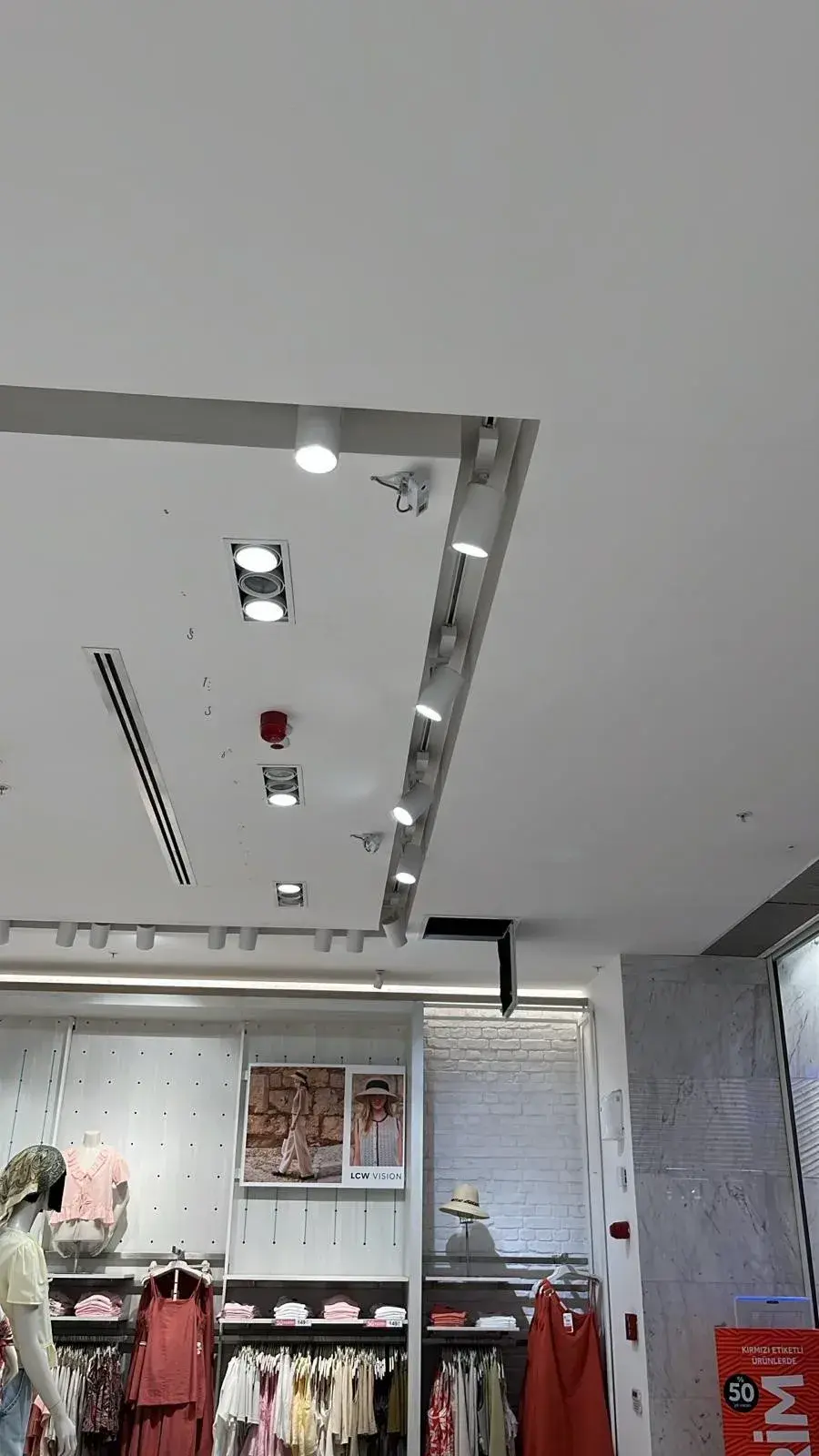
- Suspended ceilings, lighting tracks and signage are assessed in the pre-installation survey.
- Power and Wi-Fi or Ethernet access must be ready; plan the mall’s technical approval process in advance.
In two-storey stores, or where entrances open both into the mall and onto the street, every point where visitors actually enter the store should be counted separately. Movement between floors inside the store should not count as entries; otherwise the same visitor is counted twice. Which points to count is agreed during the pre-installation survey.
Seeing peak hours in a mall
Mall traffic can follow a different rhythm from high-street stores: weekends, lunchtime and evenings may stand out, and school holidays and campaign periods change the curve. Because counts reach the dashboard about every 10 minutes, you see the day’s curve in good time and can plan shifts around hourly entries. We cover peak-hour management in detail in how to manage peak hours in a mall store.
Track mall-specific seasonal effects separately too: public holiday weeks, school holidays, sale periods, events organised by the mall, and the weather. Bad weather can push mall traffic up, while in summer high-street and seaside shopping may take over. Comparing these periods with the same weeks last year in the dashboard helps you separate what is specific to your store from the mall’s general rhythm.
Comparing stores across malls
For chains with stores in malls across Turkey (Türkiye), one of the most valuable insights is comparing branches in different malls on the same basis. The Sayiyo visitor analytics dashboard brings store comparison and ranking, hourly entries and year-on-year comparison together. To keep the comparison fair:
- Compare the same days and time slots rather than total entries.
- Factor in differences in store size and number of doors.
- If you have sales integration, read entries together with conversion rate.
- Compare with the same period last year to separate out mall-specific seasonal effects.
Corridor traffic and visit rate
In a mall, the number of people passing your window shows your location’s potential. The Sayiyo PASS storefront counter is a radar sensor aimed at your window; it counts corridor passers-by anonymously and analyses their direction, without capturing images. Used with PEOPLE, it gives you the visit rate (entries ÷ passers-by). If corridor traffic is high but visit rate is low, it may be time to work on the window and entrance; if traffic is low, the issue may be the location. The calculation is explained in what is visit rate.
Measured data in rent negotiations
In mall rent negotiations, measured data moves the discussion from impressions to solid ground. A 12-month entry trend, year-on-year comparison, corridor traffic and (with sales integration) conversion rate show what the location actually brings your store. Export the data from the dashboard as Excel/CSV to prepare. We cover this in taking footfall data to the rent negotiation.
Privacy: what changes for mall visitors?
Malls are busy public spaces, and visitor trust matters. With Sayiyo PEOPLE, images are processed only on the device, no frame is recorded and there is no person or face recognition; only anonymous, aggregate entry counts reach the dashboard. Sayiyo PASS works with radar and captures no images. The system was designed with KVKK (Türkiye’s personal data protection law) in mind; even so, it is good practice to tell visitors at the entrance that anonymous counting takes place and to carry out your own data protection review.
Installation checklist for a mall store
- Are all visitor entrances listed?
- Have the width and ceiling height of each entrance been measured?
- Have mounting approval and a working window been agreed with the mall’s technical team?
- Are power and a network connection (Wi-Fi or Ethernet) ready?
- If corridor traffic will be measured, has a mounting point for PASS been chosen?
- Are the dashboard users and their roles defined?
Frequently asked questions
Can I use the counts from the mall’s main entrance?
Mall data shows the building’s overall trend, but not how many people came into your store. To measure store performance you need counting at your own door; use the mall data alongside it for context.
Does Sayiyo show how many people are inside?
No. Sayiyo PEOPLE counts entries only; it does not count exits or measure live occupancy or capacity.
How is Sayiyo PASS positioned in a mall corridor?
PASS is mounted at the right or left corner, aimed at the storefront so that it covers the window; it needs power and an Ethernet connection. It can be used on a street frontage or in a mall corridor.
How is installation planned in a mall store?
You choose the installation day and our team does the mounting, so you can pick a day that suits the mall’s approvals and working hours. After mounting, a field specialist and a remote support specialist verify the count with live tests. The steps are on the how it works page.