How to choose a people counter: 8 criteria
Accuracy, privacy, door width, data latency and integrations: the 8 questions to ask when choosing a people counter for your store.
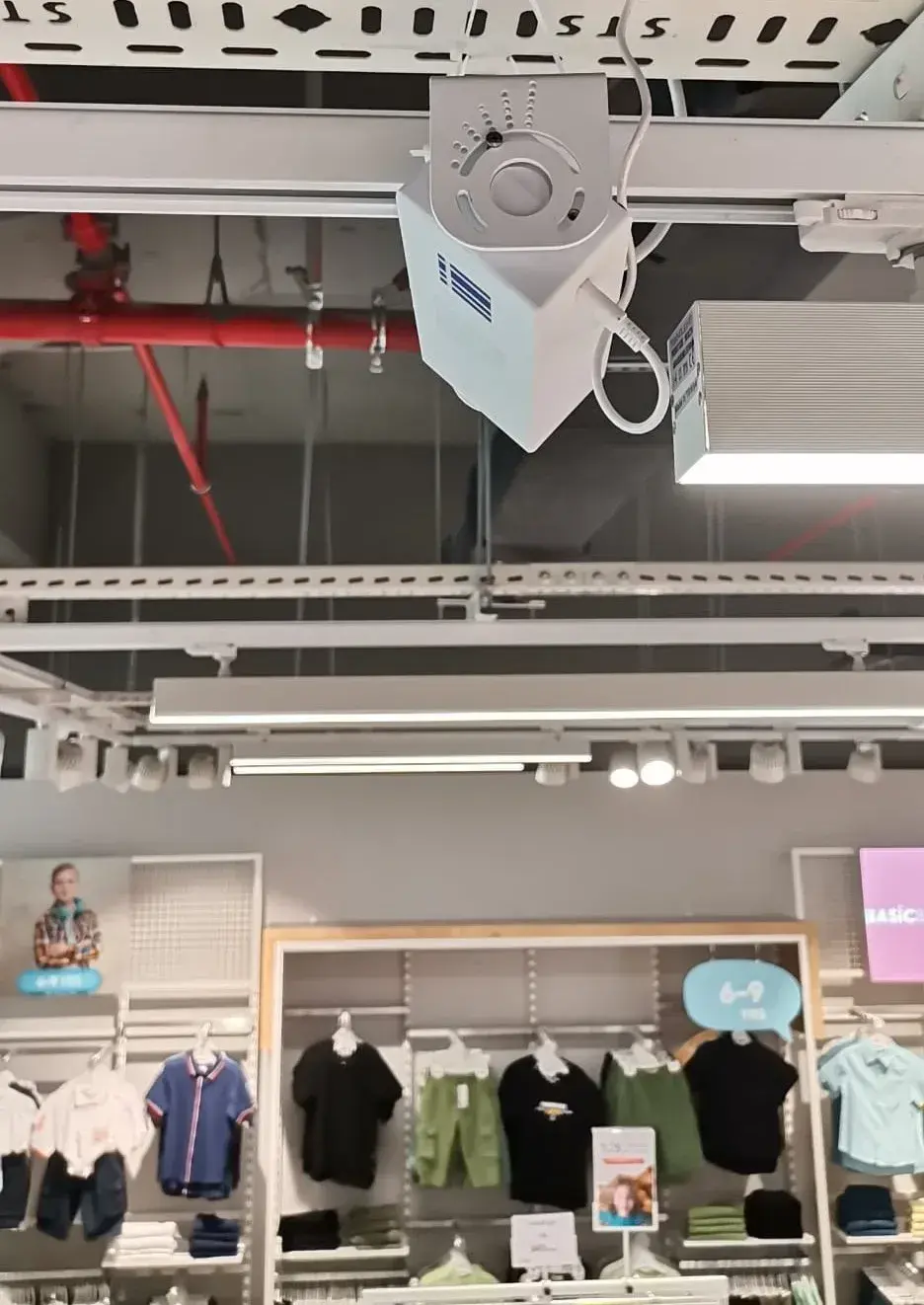
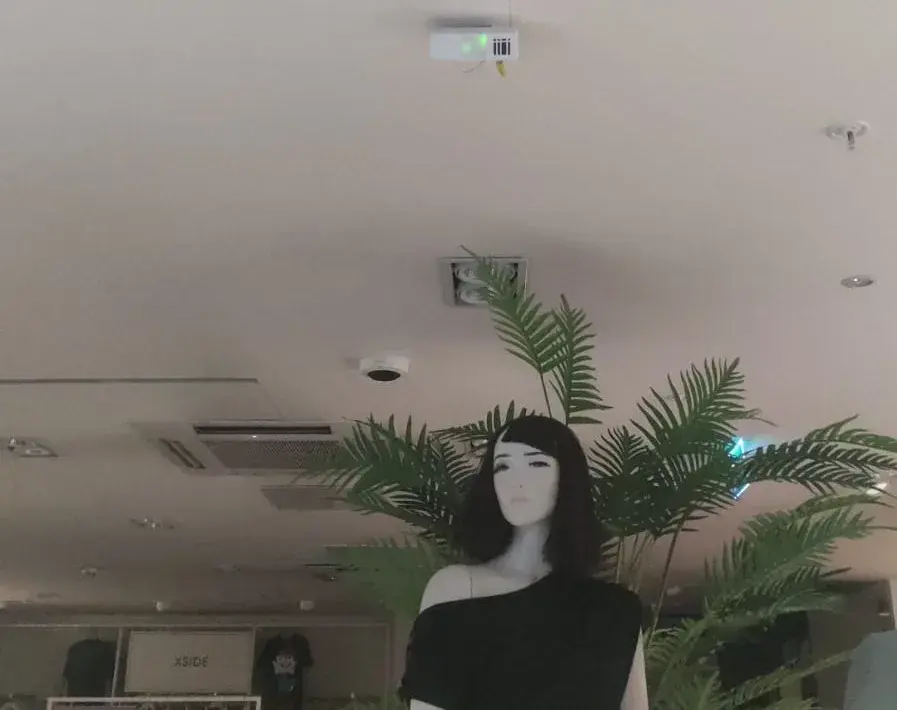
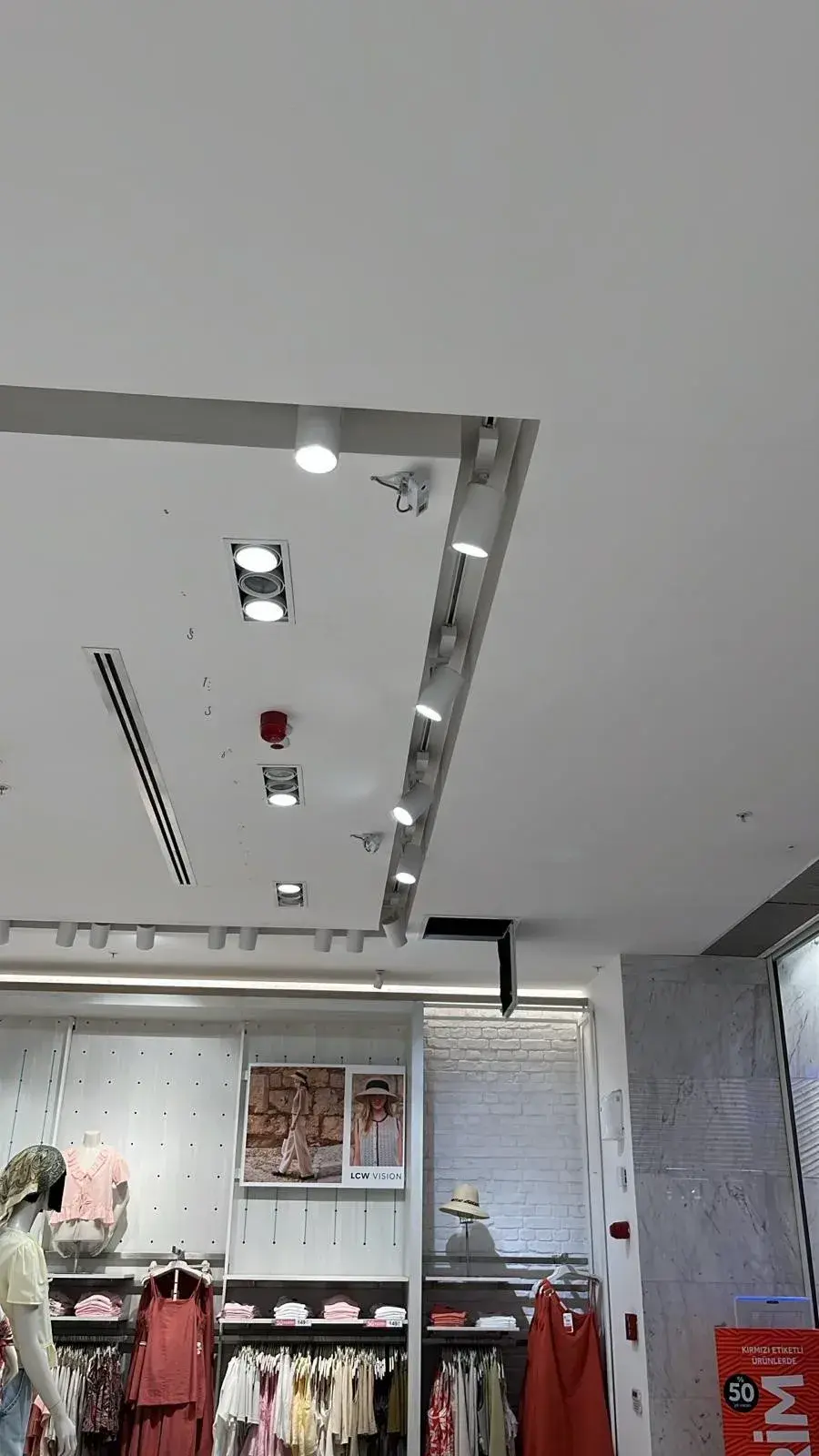
A people counter is a device that automatically counts the people passing through a doorway and turns that count into data you can report on. The short answer: to choose the right people counter, start from the question you want answered (how many people came in, how many walked past, how many of those who came in bought something?), then assess eight criteria in turn: accuracy, privacy, door width, data latency, offline behaviour, integrations, reporting, and installation and support.
What does a people counter do?
Store footfall data shows what the sales report cannot: the visitors who came into your store but left without buying. Without entry counts you cannot calculate conversion rate, plan shifts around peak hours or compare branches fairly. In retail, a people counter is a measurement tool, not a security product, and should be judged as one.
1. Accuracy, and how it is verified
When a vendor says a device is “99% accurate”, your first question should be: under what conditions? Accuracy measured in a controlled test is not the same as accuracy in a busy store where people arrive in groups and the light changes through the day. Ask for both figures separately, and ask how accuracy is checked on site. For the Sayiyo PEOPLE people counter, accuracy is stated as up to 99% in controlled tests and about 95% in the field; after mounting, a field specialist and a remote support specialist run coordinated live tests to verify the count.
2. Privacy: where are images processed?
With camera-based counters, the key question is where the images go. If images are processed on the device and turned into a number, no footage is created; if they are sent to the cloud or recorded, your assessment must go much further. Ask: Is any footage recorded? Is there person or face recognition? What reaches the dashboard? With Sayiyo PEOPLE, images are processed on the device, no frame is recorded, nobody is identified, and only an anonymous entry count reaches the dashboard. The system was designed with KVKK (Türkiye’s personal data protection law) in mind; you should still carry out your own review. More in AI camera & KVKK.
3. Door width and coverage
Every device has a field of view and a maximum door width it can cover. Ask the vendor for a written survey covering door width, ceiling height and mounting point. With its 120° field of view, Sayiyo PEOPLE covers doors up to 6 m wide with a single device; wider entrances or multiple doors need more devices.
4. Data latency: what does “real-time” mean?
Ask the vendor to turn “real-time” into a concrete interval. With Sayiyo, counts reach the dashboard about every 10 minutes; that is designed for seeing the day’s entry curve and peak hours in good time, not for second-by-second crowd control.
5. Offline behaviour
Internet outages are routine in stores. Does the device keep counting during an outage, how long does it store data, and does it send the data automatically when the connection returns? Sayiyo PEOPLE works offline for up to 20 days and syncs once the connection is back, so there are no gaps in the dashboard.
6. Integrations: POS, ERP and API
Entry counts are valuable on their own, but combined with sales data they become a conversion rate. Ask whether the device offers a REST API and webhooks, and how it will receive sales (receipt) data. With Sayiyo, sales data comes in through POS/ERP integration, and you can pull entry data into your own systems via API or webhook. See integration and how to calculate store conversion rate.
7. Reporting and access
Plan from the start who will see the data, on which screen and how often. Things to check: hourly entries and peak hours, store comparison and ranking, year-on-year comparison, scheduled email reports, Excel/CSV export, user roles and mobile access. The Sayiyo visitor analytics dashboard covers all of these; store managers follow today’s entries, store ranking and a weekly summary on their phone with Sayiyo Mobile.
8. Installation, calibration and support
Who mounts the device, how it is calibrated and whom you call when the count looks off matter as much as the spec sheet. With Sayiyo, you choose the installation day and our team does the mounting; calibration is done at first installation and the count is verified with live tests after mounting. See how it works for the steps.
A neutral comparison of people counting technologies
Each technology has strengths and limits; the right choice depends on your doorway, what you want to measure and your privacy expectations.
| Technology | What it counts | Does it process images? | Strength | Limitation | Typical use |
|---|---|---|---|---|---|
| Infrared (IR) beam | Passes that break a beam across the door | No | Simple build, easy installation | May count two people walking side by side as one; struggles with wide entrances | Narrow doors with light traffic |
| Thermal sensor | Passes detected from body heat | No visible images; it senses heat signatures | Counts without producing visible images | Installation and tuning need care where ambient temperature or heat sources vary | Indoor entrances where visible images are not wanted |
| AI camera (Sayiyo PEOPLE, above-door people counter) | People entering through the door (Sayiyo PEOPLE counts entries only) | Yes; with Sayiyo PEOPLE, only on the device and with nothing recorded | Distinguishes people with image processing; Sayiyo PEOPLE covers doors up to 6 m wide with one device | For privacy, where images are processed is decisive; the whole door opening must be in view | Counting entries at the store door; the basis for conversion rate |
| Radar (Sayiyo PASS, storefront counter) | Pedestrians passing the storefront, and their direction | No; captures no images | Measures passers-by and direction without images | Measures passing traffic, not who comes in; does not replace entry counting | Street frontage and mall corridor; visit rate together with entry counts |
| Wi-Fi / signal-based | Presence inferred from nearby phone signals | No; it processes phone signals | Shows a general footfall trend across large areas | Misses visitors without a phone or with Wi-Fi off; does not count door entries directly | Overall trends at mall or campus scale |
Two more options are not in the table. A stereo (3D) camera separates people using depth information and is strong at busy entrances, usually with a more involved installation. A manual clicker is handy for short studies, but produces no continuous data and depends on the counter’s attention.
Where does Sayiyo fit?
Sayiyo, which serves stores across Turkey (Türkiye) and Northern Cyprus with 1,000+ active devices, answers two separate questions with two separate devices. Sayiyo PEOPLE is an AI camera people counter mounted above the door that counts entries only; Sayiyo PASS counts the people passing your storefront with a radar sensor. Together they give you the visit rate. Sayiyo does not count exits, measure live occupancy, estimate age or gender, or identify repeat visitors.
7 questions to ask a vendor
- Under what conditions was the accuracy figure measured, and how is it verified on site?
- Is any footage recorded, and do images leave the device?
- What door width does a single device cover?
- How often does data reach the dashboard?
- If the internet drops, for how many days is data stored?
- Is there a REST API and webhook, and how is sales data connected?
- Who does the installation, and how do calibration and testing work?
Frequently asked questions
Is a people counter the same as a footfall counter?
Yes. Both terms describe devices that automatically count the people coming through a doorway; in Turkish they are called “kişi sayım cihazı” or “kişi sayacı”.
Do I need a device for every door?
Every entrance that takes visitors should be counted; otherwise total entries come out low. With Sayiyo PEOPLE, a single device covers doors up to 6 m wide.
Can I see it working before I decide?
You don’t have to decide sight unseen; the demo is free. It starts with a 30-minute presentation, and on request we install a device in your store for a free 3–4 day on-site demo. Fill in the demo form and our sales team will get in touch. Pricing is tailored to your needs; our sales team sends a quote based on your store and door count.