Installing Sayiyo PEOPLE: how to choose the mounting point
Mounting above the door, field of view and infrastructure: a checklist for placing an AI camera people counter correctly.
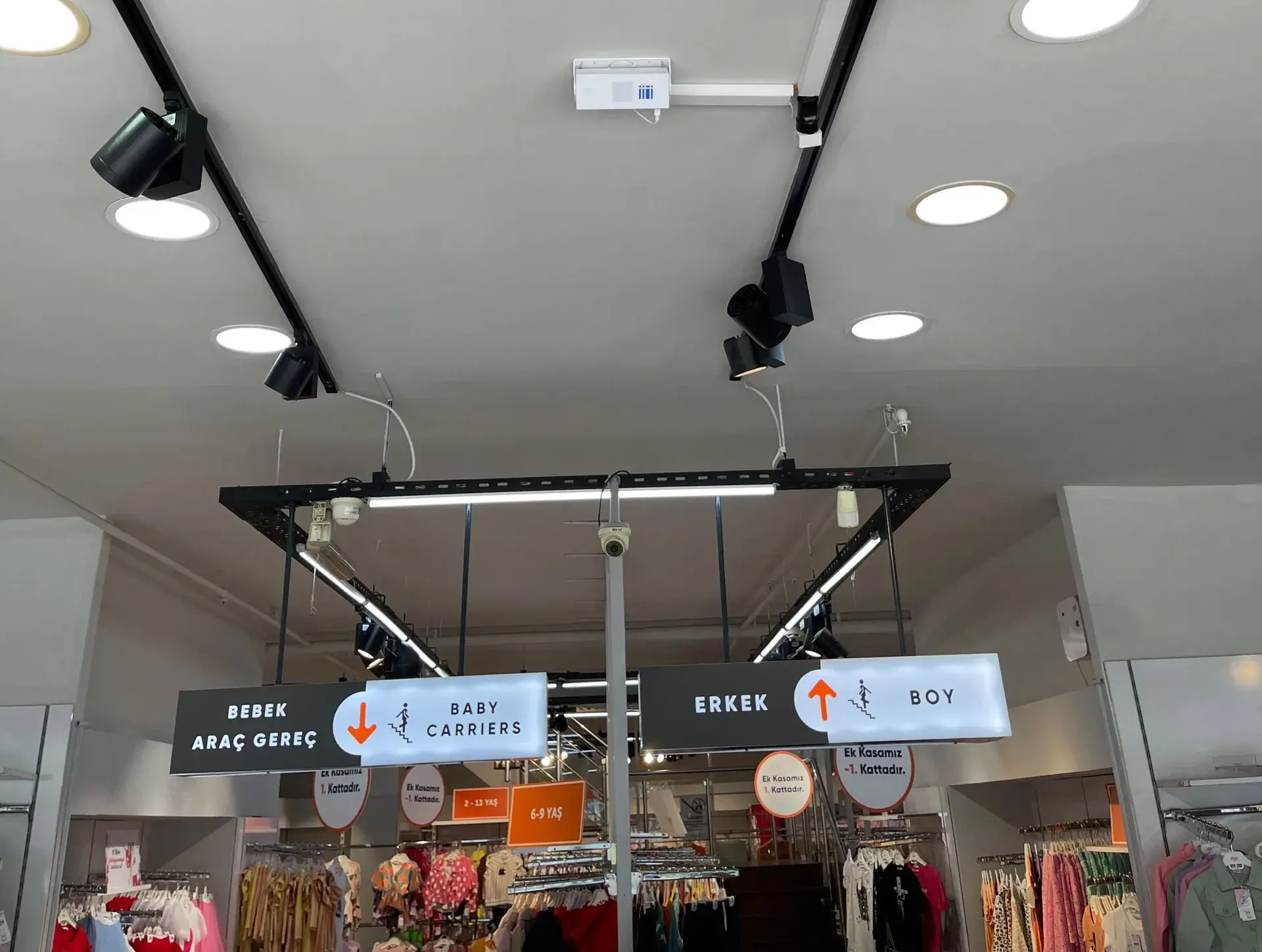
How accurately a people counter performs on site depends largely on where it is mounted. The short answer: the Sayiyo PEOPLE people counter is mounted directly above the door, on the inside, facing down. Its 120° wide-angle AI camera covers a door up to 6 m wide with a single device; wider entrances get a second device. In this post we explain step by step how the mounting point is chosen, what to prepare before installation and how the count is verified.
Why the mounting point matters
The device counts people who cross a virtual counting line at the door. If it cannot see the whole doorway, it may miss people entering at the edges; if something blocks its view, the line is broken. So the mounting point must be where the device can see the entire door opening from above, unobstructed.
Choosing the mounting point
- The device sits on the inside of the door, close to the middle of the opening, facing down.
- If the door is wider than 6 m or the store has more than one entrance, a device is planned for each.
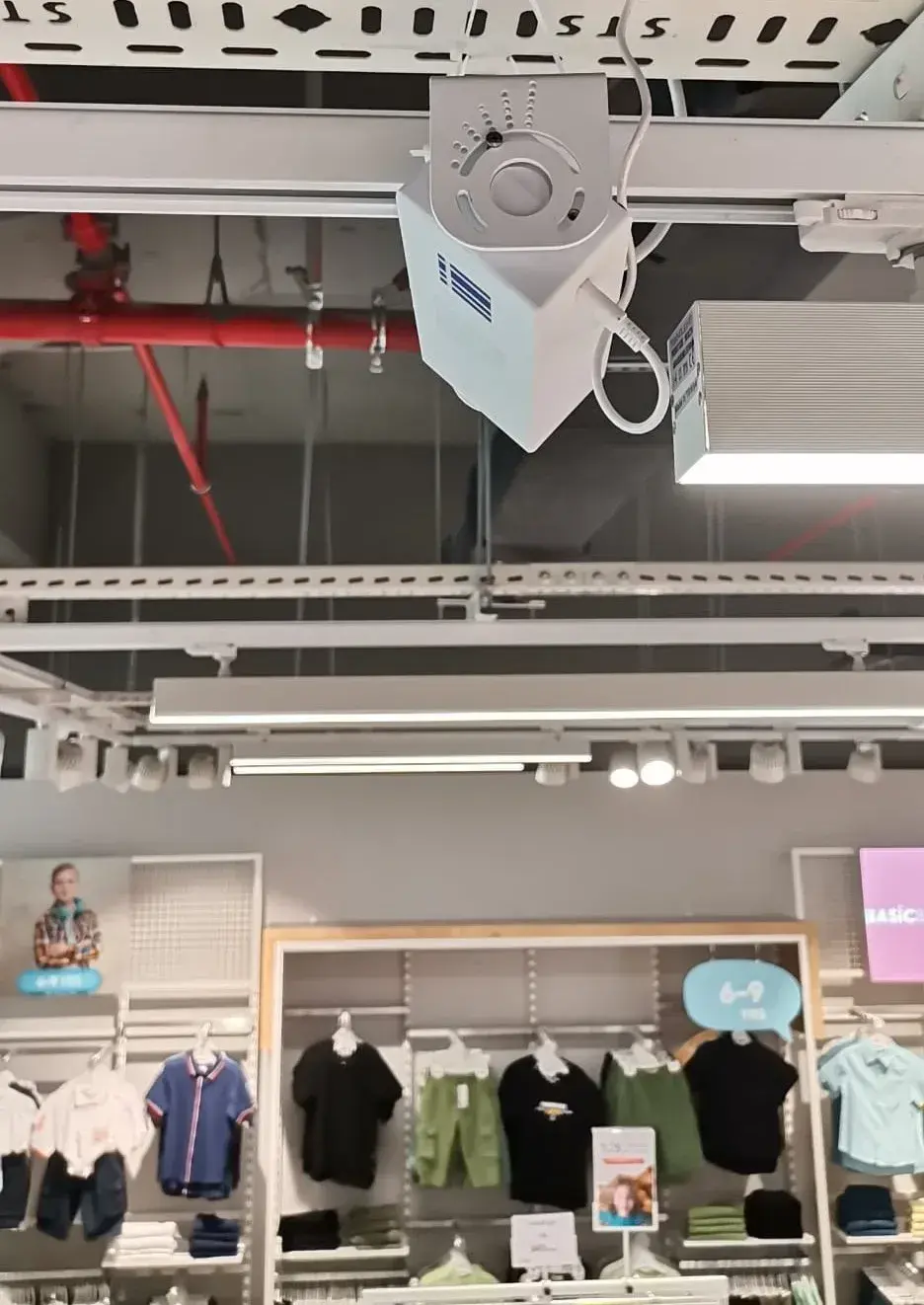
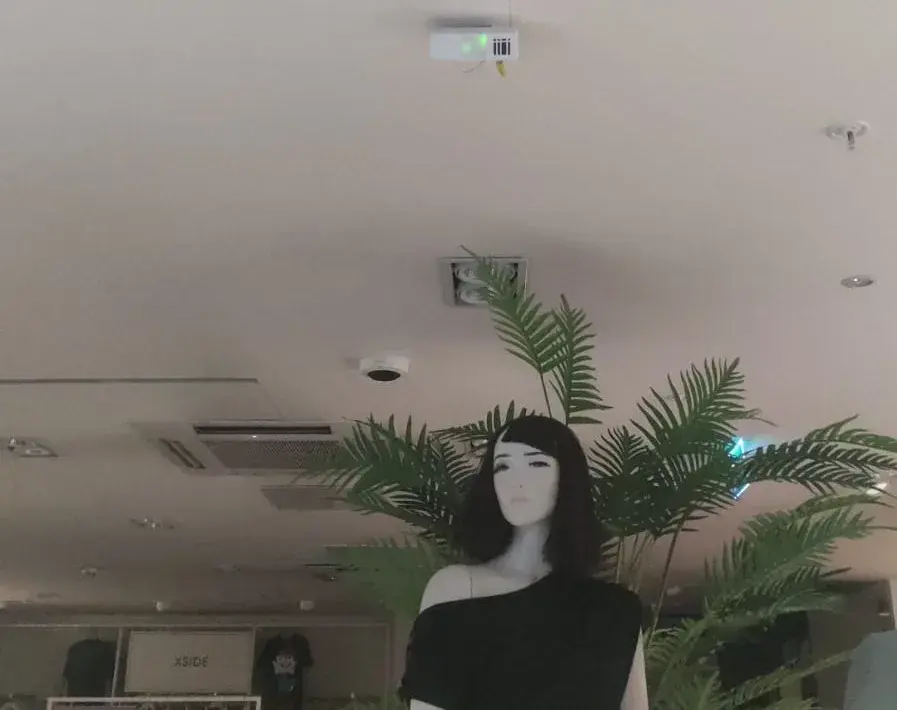
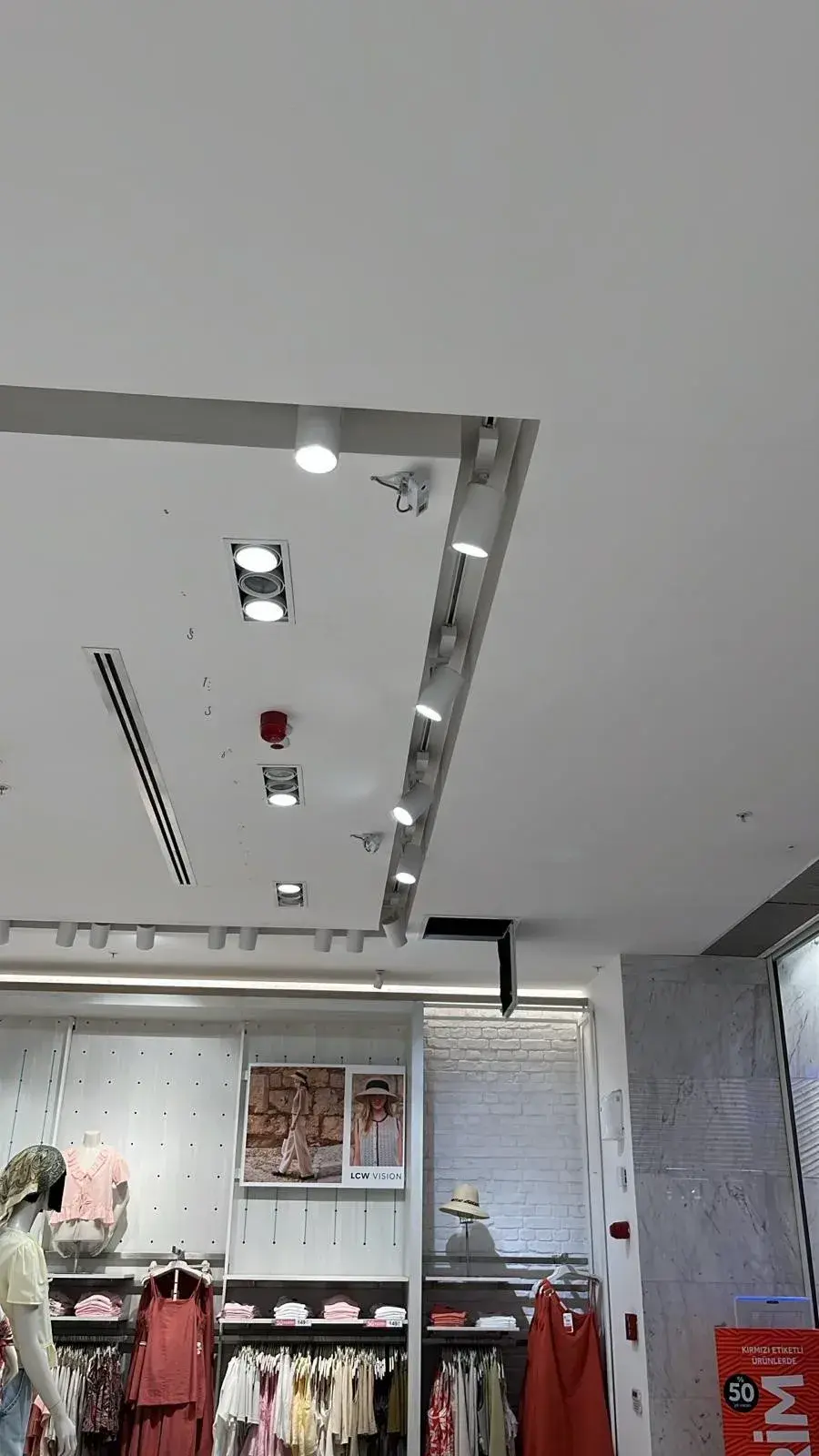
- Choose a point where suspended ceilings, lighting tracks, ventilation and signs do not block the view.
- Keep stands, mannequins and baskets placed just inside the door out of the counting area.
Different entrance types
- Standard single door: the device goes on the inside, at the middle of the opening; the simplest case for most stores.
- Double or wide door: openings up to 6 m are covered by one device; wider ones need a second.
- Open mall frontage: the whole opening along the shutter line must be in the counting area; suspended ceilings and lighting tracks are assessed in the survey.
- Entrance with a vestibule: the counting line should be at the inner door, where visitors actually enter the store.
- Multiple entrances: each one is counted separately; the store’s total entries in the dashboard are the sum of those devices.
Before installation: the survey
Before installation, a survey document is prepared for your store. It records door width, ceiling height, number of doors, the mounting point and the power and Ethernet infrastructure. The store completes any missing power or Ethernet the survey identifies, so our team arrives with the infrastructure ready. The device can connect over Wi-Fi or Ethernet.
Installation day
You choose the installation day; our team does the mounting. When the shipment arrives we call you and schedule installation for the day and time you pick. Our team mounts the device and sets up the remote connection and configuration. The device has a compact 108 × 38 × 65 mm body.
Calibration at installation
After mounting, our team sets the counting line at the door and does the initial calibration during installation. Our field specialist and a remote support specialist then run coordinated live tests to verify the count. If there is a discrepancy, we connect to the device remotely and fine-tune it. Once verification is complete, the company contact is told the process is finished and data starts flowing into the Sayiyo visitor analytics dashboard.
After installation: data and connectivity
Counts reach the dashboard about every 10 minutes. If the internet drops, the device keeps counting, stores data for up to 20 days and sends it automatically when the connection returns. Accuracy is up to 99% in controlled tests and about 95% in the field; the mounting point and calibration directly affect the on-site result. If you later add a sign, curtain or décor above the door or change the entrance layout, let our support team know; the field of view may need to be checked again.
Technical summary: AI camera with a Sony IMX708 12 MP sensor, 120° field of view, doors up to 6 m wide with one device, Wi-Fi or Ethernet connectivity, up to 20 days of offline operation, REST API and webhook support, 108 × 38 × 65 mm body.
Common mounting mistakes
- Mounting the device away from the door, deeper inside the store: visitors who step in and turn back can get mixed up with people browsing the aisles.
- Seeing only part of the doorway: people entering at the edges fall outside the counting area.
- Blocking the view later: a new sign, campaign banner or décor can obstruct the device.
- Skipping the second entrance: if a side door is not counted, total entries come out low and every rate is affected.
Checklist
- Is the entire doorway within the device’s field of view?
- Is there a hanging sign, curtain or décor above the door?
- Are power and Wi-Fi or Ethernet access ready?
- If there are several entrances, is a device planned for each?
- Are door width and ceiling height recorded correctly in the survey document?
- Have the necessary permissions for installation day been obtained from the store or mall management?
Frequently asked questions
How many devices do I need?
One per entrance. A single device covers doors up to 6 m wide; wider entrances need more. For other points to consider when choosing a device, see how to choose a people counter.
Does the store team have to calibrate the device?
No. Our team does the initial calibration during installation, and the count is verified with live tests after mounting.
How does the installation process run, step by step?
The steps (proposal and contract, survey, preparing and shipping the device, installation, verification and dashboard) are described on the how it works page.